Estimate and invoice software for one billing workflow
Prepare proposed work, preserve accepted line items during conversion and review the final invoice before requesting payment.
Definition and example
Definition · 2026-10-12
An estimate describes proposed work and pricing; an invoice requests payment for billable work. FollowIncome stores both in a customer-based workflow and supports converting estimate line items into an invoice. Review accepted scope, quantities, dates and tax settings before issuing the new document. Conversion preserves useful data but does not establish customer approval or legal compliance.
A service estimate for three units at 100 can become a 300 invoice before applicable taxes, after the accepted scope is checked.
Retain acceptance evidence separately and review changes, deposits and local invoice requirements.
Published by FollowIncome · Reviewed 2026-10-12 against the described product records. Request a correction.
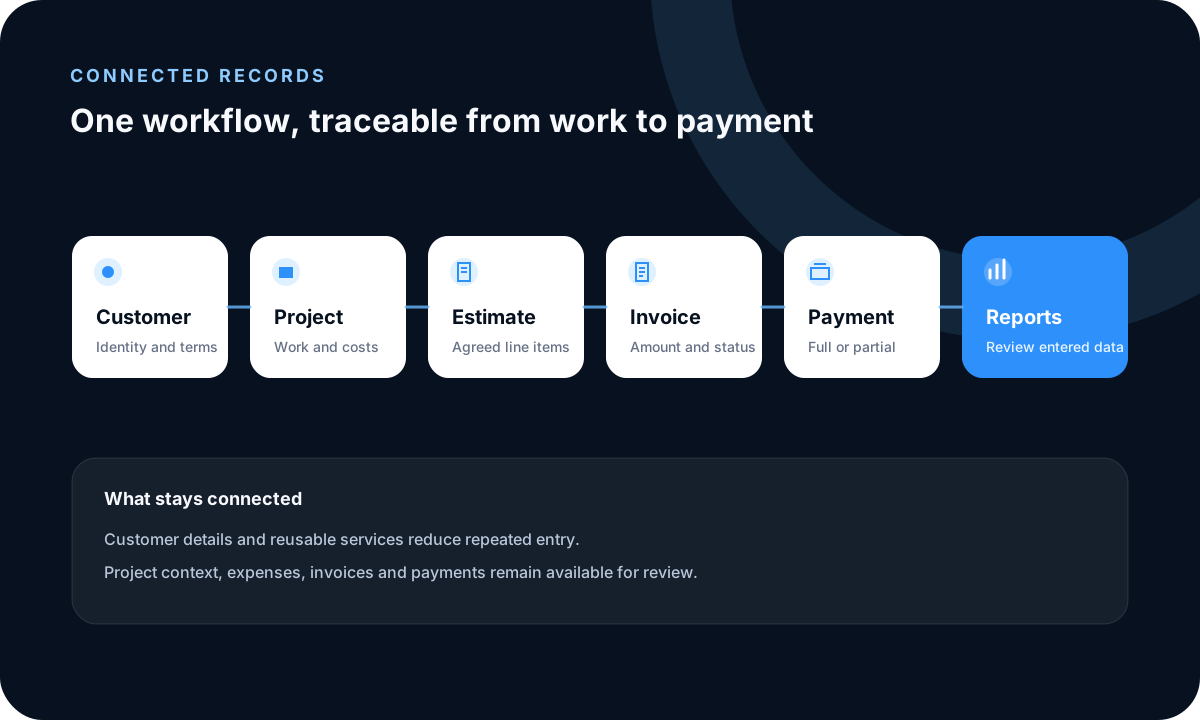
Understand the document purpose
An estimate describes proposed work and pricing; an invoice requests payment for an agreed obligation. Their legal effect and required content can vary by jurisdiction, so conversion does not make the documents interchangeable.
Prepare a clear estimate
Choose the correct company and customer, then review items, services, quantities, prices, discounts, taxes, currency, notes and validity dates. Preserve evidence of the client approval and document any scope changes before final billing.
Convert and review the invoice
Conversion carries relevant customer and line-item context forward. Check invoice numbering, issue and due dates, final quantities, tax wording and payment instructions instead of assuming every estimate field remains correct.
Track the outcome
Apply supported full or partial payments to the invoice and review any outstanding balance. Keep payment-provider or bank evidence because an operational payment entry is not by itself independent settlement confirmation.
Frequently asked questions
What is the difference between an estimate and an invoice?
An estimate describes proposed work or pricing; an invoice is a payment request. Their legal and tax treatment can vary by jurisdiction.
Can I change an invoice after conversion?
The converted document should be reviewed and adjusted to reflect the final agreement and applicable rules before it is sent.
Can I record a deposit or partial payment?
Yes. Full or partial payments can be recorded against an invoice so the remaining amount is visible.
Does FollowIncome decide my invoice numbering or taxes?
The workspace provides configurable fields, but the business remains responsible for correct numbering, taxes and local document requirements.
Read practical guides, explore all features or create a free account.