Review tax summaries from entered records
Summarize recorded invoice and tax information for a selected company and period, then trace unexpected totals to the source documents behind them.
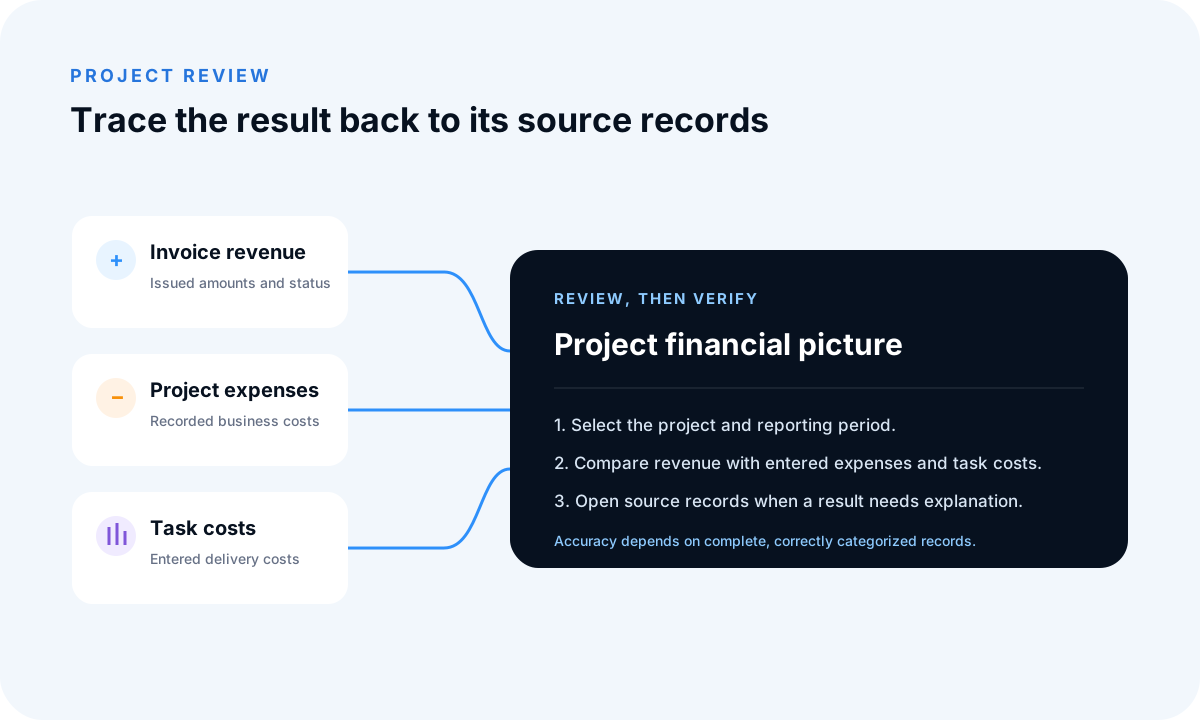
Create a scoped tax summary
Choose one company and an explicit period before reading totals. The summary reflects tax information recorded on relevant documents and the available report filters. Mixed currencies, credits, cancelled documents and later corrections may require additional interpretation.
Trace tax totals to source documents
When a rate or amount looks unexpected, inspect the underlying invoice and line items. Correct source data through the appropriate document workflow so later reports remain consistent. A polished summary cannot compensate for missing or incorrectly classified records.
Keep tax-reporting limits visible
FollowIncome does not determine place of supply, registration obligations, deductible tax, filing treatment or other jurisdiction-specific rules. An operational summary is not a submitted return, compliance confirmation or professional opinion.
Example and limitations
A company can review a quarter, trace an unexpected total to an invoice with the wrong tax rate, correct the source through the proper workflow and regenerate the report. Use a qualified tax professional when the result supports filing or compliance decisions.
Frequently asked questions
Does FollowIncome provide tax summary reports?
Yes. Tax summary reporting uses recorded invoice and tax data in the selected company workspace.
Does FollowIncome file tax returns?
No. The reporting view does not submit returns or determine jurisdiction-specific obligations.
Is the tax summary professional tax advice?
No. Use a qualified professional for tax classification, compliance and filing decisions.
Read practical guides, explore all features or create a free account.