Multi-company invoicing with separate workspaces
Use one authorized account to work with separate company records, document preferences and team access without presenting every business as one combined ledger.
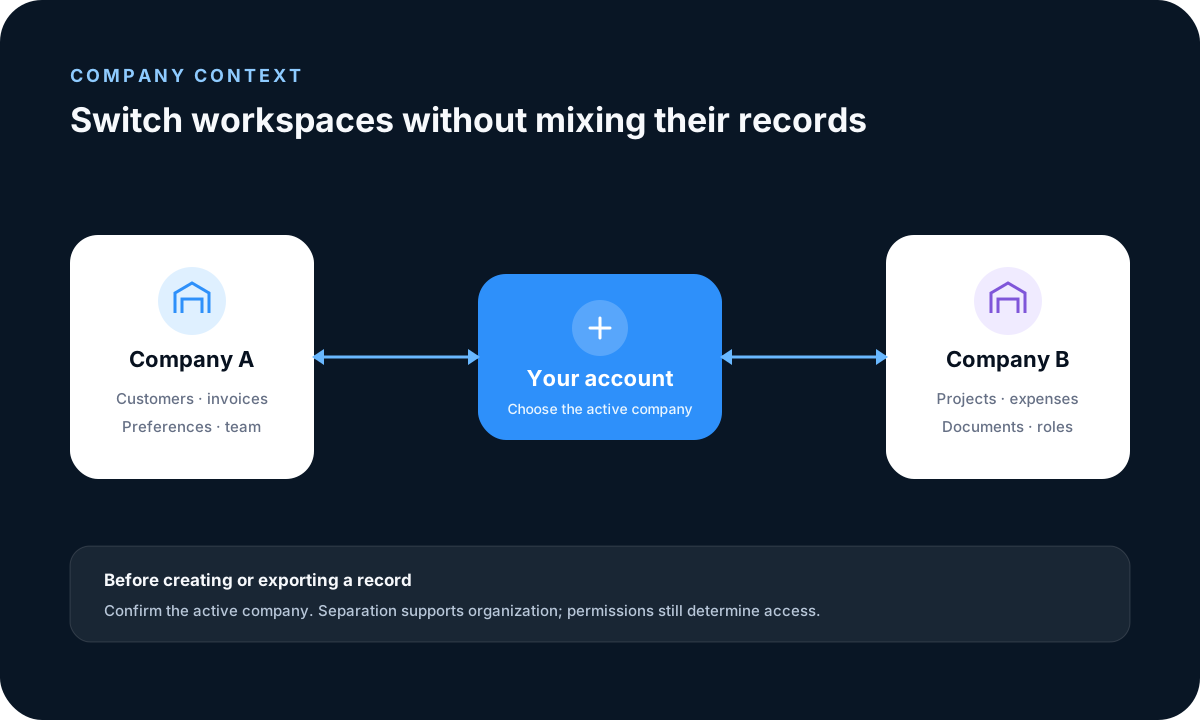
Confirm the active company
The active workspace determines which customers, projects, documents, expenses and reports are being used. Confirm the company name before creating, changing, sending or exporting a business record.
Configure each workspace independently
Maintain company identity, addresses, document appearance, currency, locale-related formats, notifications and supported service connections for the business that owns them. Do not assume one company should inherit another company’s settings.
Grant appropriate team access
Invite authorized users and assign roles appropriate to their responsibilities. Review and reduce access when duties change, and protect administrator accounts with multi-factor authentication.
Understand the boundary
Company-scoped authorization supports operational separation and access control. It does not create legal or accounting separation between businesses or replace their document, tax and retention obligations.
Frequently asked questions
Can one account access multiple companies?
An account can work with multiple company workspaces when it has been granted access to them.
Does workspace separation create legal separation?
No. It supports operational organization and access control; legal and accounting separation remain the responsibility of each business.
Read practical guides, explore all features or create a free account.