Company operations
How to keep multi-company financial operations separated
Use deliberate workspace boundaries so customers, documents, costs and decisions stay with the right business.
By FollowIncome · · 7 min read · Reviewed by FollowIncome editorial team
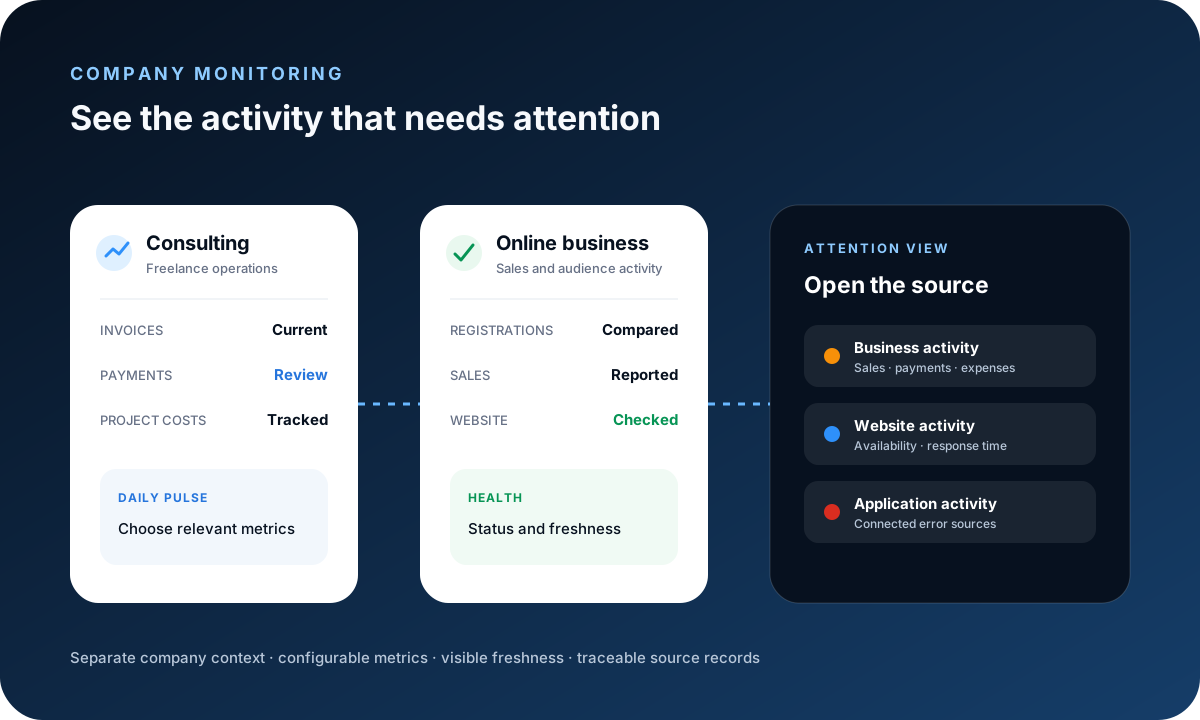
Managing several businesses creates a simple but serious risk: a correct action in the wrong company. Clear workspace boundaries reduce cross-company invoices, expenses, permissions and reports that quietly corrupt later decisions.
Make the active company visible, keep reusable records company-specific and verify workspace context before creating, importing or exporting anything.
Treat each company as its own operating context
Keep legal identity, contact details, document settings, taxes, currencies and branding with the company they belong to. Do not use a shared default when it can create an incorrect external document.
Define who owns the workspace and who can approve billing, expenses and access changes. Similar company names are a reason for stronger labels, not a reason to merge records.
Create company-specific master records
Customers, items, projects and service connections should be created in the intended workspace. Even when two companies serve the same customer, their contracts and billing details may differ.
Avoid copying records without checking ownership and purpose. A duplicate can be valid when it represents a separate commercial relationship; it should not be an accidental shortcut.
Check context at high-risk moments
Confirm the active company before issuing an estimate or invoice, recording a payment, uploading a file, connecting a provider, inviting a user or exporting a report.
Interfaces should keep the company name visible during these actions. Teams should pause when the destination is ambiguous rather than relying on recent memory.
- Before external documents are issued
- Before money records are created
- Before users or services receive access
- Before reports or files leave the system
Scope permissions and integrations deliberately
Grant users only the company access their role requires. Review permissions when responsibilities change and remove access that is no longer needed.
Connected payment, analytics, email or AI services can have their own account boundaries. Verify the external account as well as the FollowIncome workspace before trusting imported or transmitted data.
Review each company before the combined view
Validate invoices, payments, expenses and project status inside each company first. A cross-company overview can summarize activity, but it should not hide an incorrectly assigned source record.
Document any currency conversion, ownership rule or consolidation assumption used outside the operational system. Formal consolidated reporting may require professional accounting advice.
Keep this checklist
- Active company is visible during key actions
- Master records belong to the intended workspace
- Permissions are company-scoped
- Connected provider accounts are verified
- Company-level records are reviewed before aggregation
Why FollowIncome publishes this
FollowIncome publishes practical operating guidance for solo founders and small teams. This article is grounded in traceable records, explicit assumptions and the documented product workflows linked below.
This article provides general operational information, not accounting, tax, legal or financial advice.